


From the first round to the last coffee
Ring up a coffee at the counter, keep a table’s bill open and add another round on the terrace. Sysme POS for Windows brings all three tasks together on one touchscreen.
Download Sysme POSTry it for free with a daily sales limit of €100.
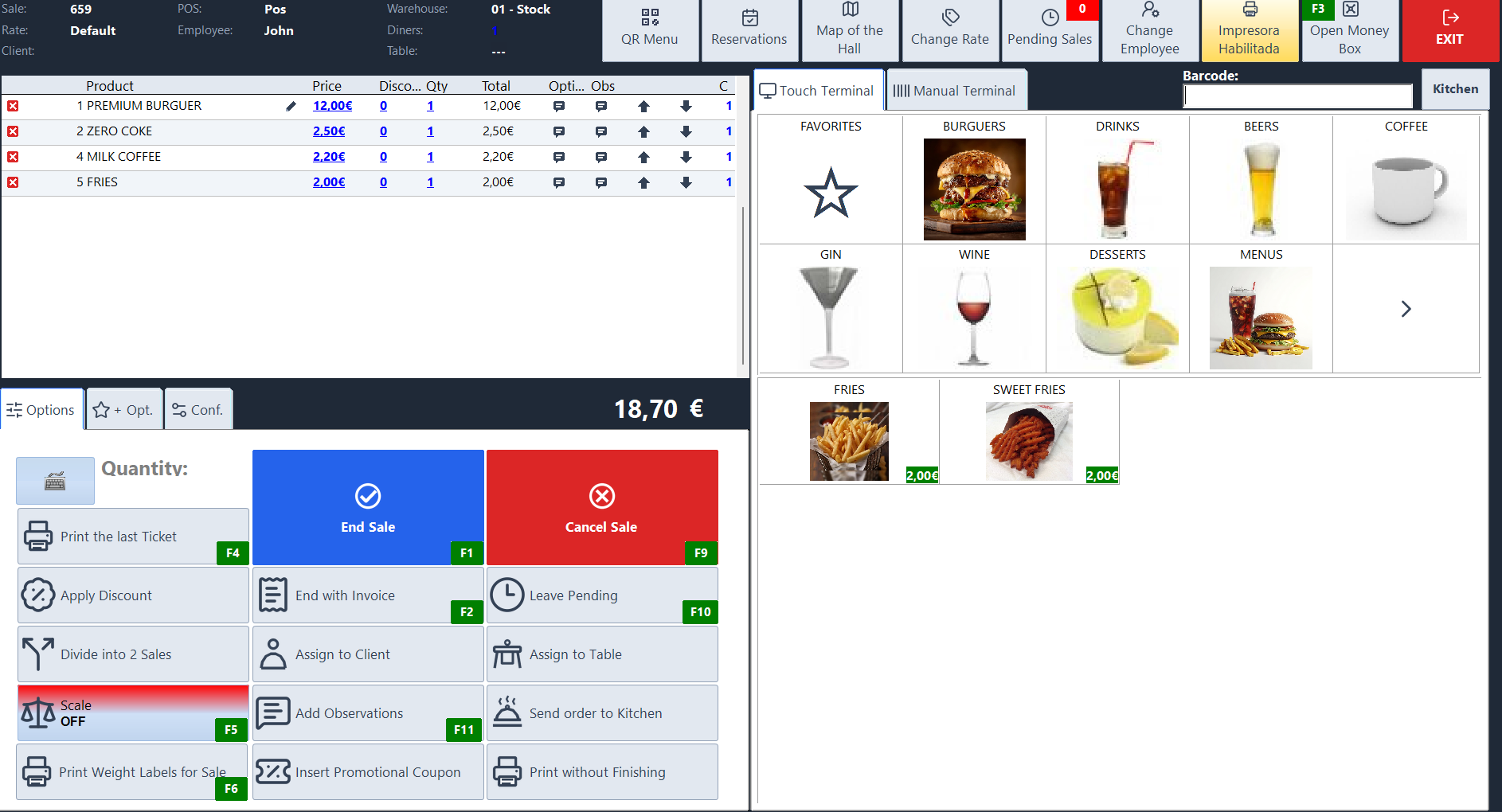
Tools for counter and table service
A fast till for counter service
Organise coffees, beers, snacks and mixed drinks into categories and keep bestsellers close at hand. Take payment straight away at the counter or keep the sale open to add more items before settling the bill.
Mixed drinks without a separate item for every combination
Set up a spirit with a choice of mixers and add a surcharge where applicable. Staff choose the mixer when entering the order. To track stock, product recipes can deduct a defined measure from the bottle for each drink sold.
Preparation notes for coffee orders
Save common options such as “oat milk”, “decaf espresso” or “glass with ice”. You can have the POS prompt staff when they add a coffee and send the note with that item. Set up any paid extras as combinations with a surcharge.
Open tabs and terrace pricing
Find an open tab by table or bar position to add another round. Merge open sales or split a bill when guests want to pay separately. If counter and terrace prices differ, set up price lists and assign them to the relevant groups of tables.
Take orders on the terrace with Mobile
Staff can take orders on a phone or tablet connected to the venue’s local network. Open the table, add items and send the order to the prep area directly from the device.
Send each item to the right prep station
Assign printers by product so food orders go to the kitchen and coffees go to the bar. With the kitchen display on a networked computer, staff can see orders and notes, mark dishes as served and notify front-of-house staff.
Table ordering with QR Menu
Guests scan the code to browse the menu and order another round in their browser. You can require authorisation by PIN or QR code and offer online payment through Redsys. Orders reach the POS through Sysme Cloud and SysmeSync.
Café self-service with Kiosk
At a busy café, customers can select a breakfast deal, choose extras and order on a touchscreen. Depending on the setup, they can pay at the counter or use a compatible card terminal. Kiosk runs on Windows and connects to Sysme POS through Cloud and SysmeSync.
