


From the treatment chair to checkout
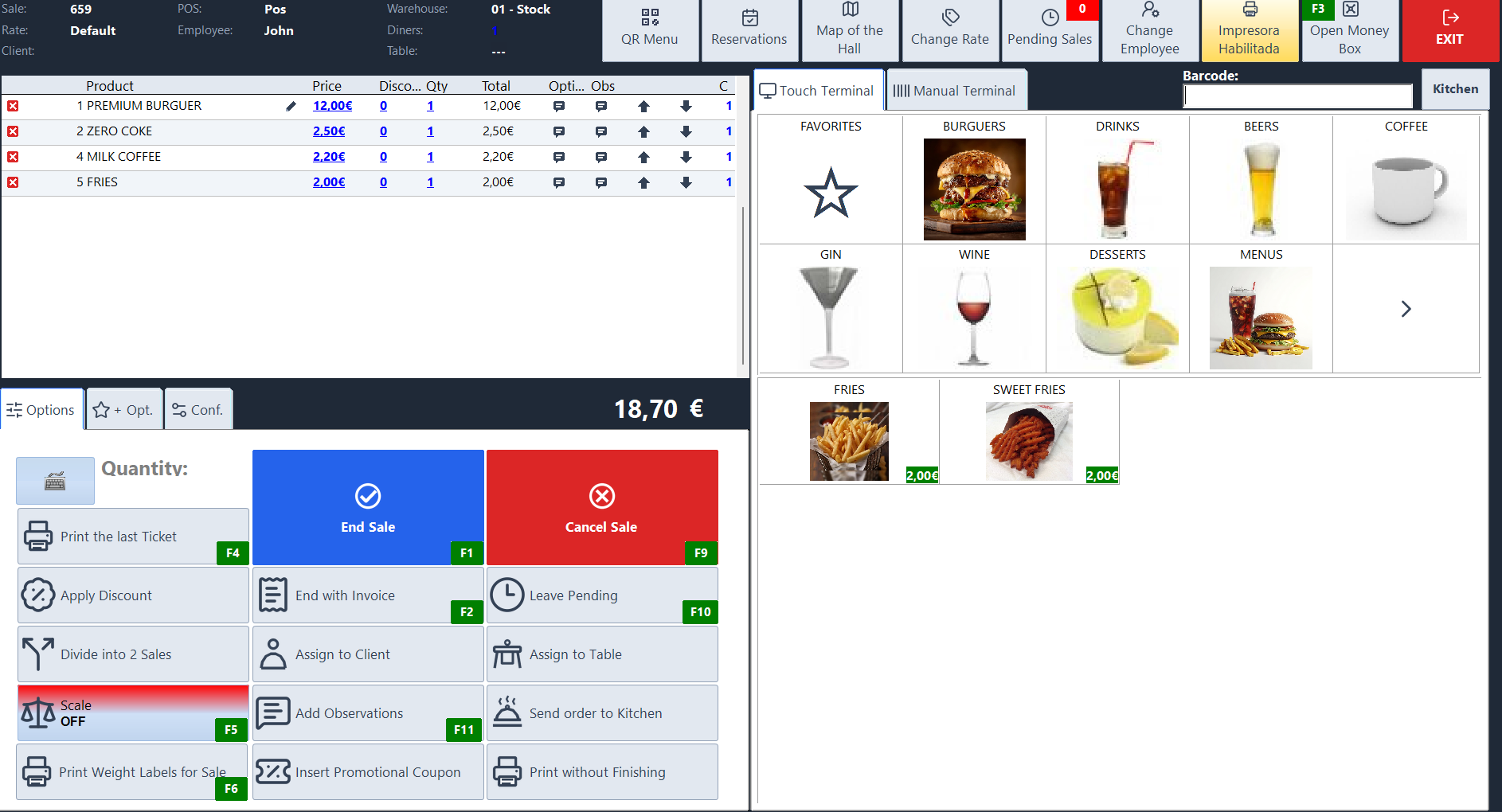
Look up what a client bought on their last visit, charge for today’s treatment and add any products they take home. Sysme POS for Windows lets you sell services and products in the same transaction.
Download Sysme POSTry it for free with a daily sales limit of €100.
How it works in your business
Look up what the client bought before
Select the client and review their purchase history. If they want the same treatment or shampoo as last time, you can see which services and products they paid for on previous visits.
Sell services and products together
Put a haircut, colour service or facial on the same sale as the shampoo or skincare product the client takes home. Each item has its own line on the receipt or invoice.
Describe extra services on the sale
Add a manual description when you provide an extra service during the appointment. For example, write “Toner after colour service” or specify what a treatment included.
Use fixed product prices and variable service prices
Keep the catalogue price for retail products. For a service priced according to the work involved, such as colouring based on hair length, configure it so you can enter the price at the till.
Track product batches and expiry dates
Identify retail products such as creams and cosmetics by batch and record their expiry dates. You can distinguish batches of the same product and see which stock to sell first.
