


From scanning to payment
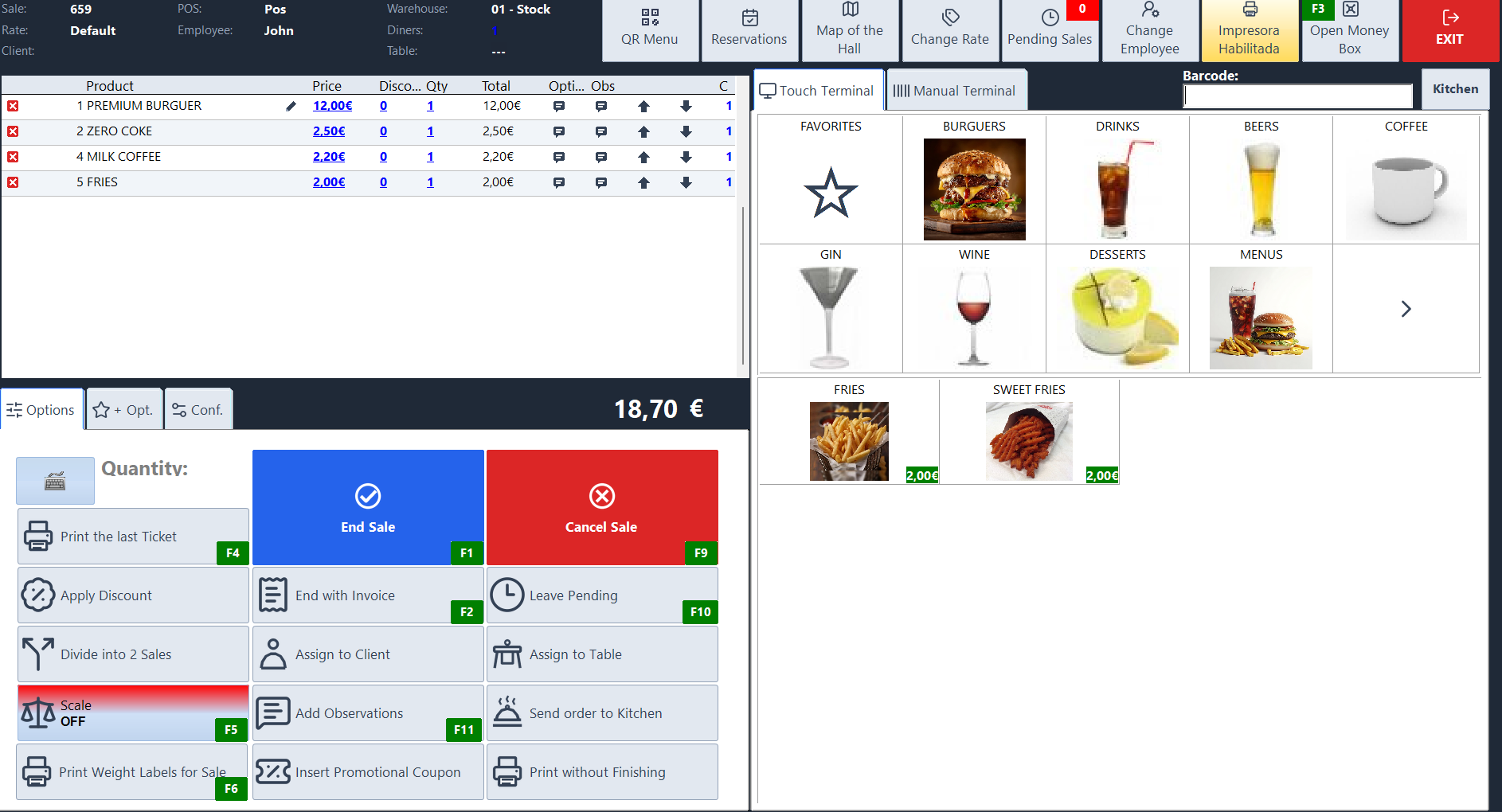
Scan the basket, handle goods sold by weight and take payment at the Sysme POS till.
Download Sysme POSTry it for free with a daily sales limit of €100.
How it works in your business
Scan the basket at the checkout
Scan items one after another to add them to the sale without looking each one up. If a label will not scan, search for the product at the till or enter its code by hand. Then choose the payment method and issue a receipt.
Fruit, vegetables and other weighed goods
Configure the barcode format used by compatible standalone scales. When the label is scanned, the POS identifies the product and adds the encoded weight to the sale.
Replenish stock by location
Check stock by location, record supplier deliveries and transfers, and use stocktakes to reconcile system quantities with physical counts.
Price lists, promotions and labels
Organise products into categories, configure price lists and promotions, and print barcode labels for items that need their own label.
